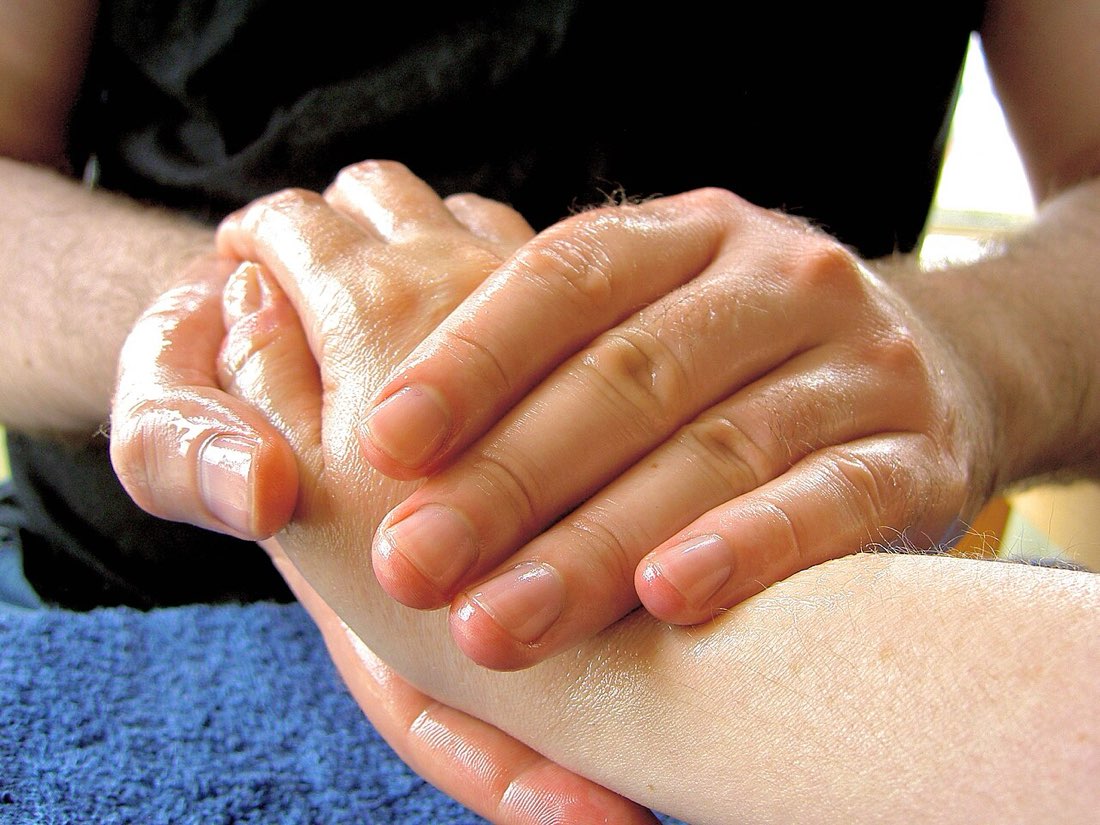
Clicking is light work, but it is repetitive. Thousands of clicks a day, long sessions and techniques like jitter clicking put load on the small muscles and tendons of the fingers, hand and forearm. Most people never have a problem, but the warning signs and a few simple habits are worth knowing. This guide is general information, not medical advice.
Why repetitive clicking can cause strain
Tendons connect muscles to bones and slide through narrow channels at the wrist. Repeating the same movement many times, especially with tension or an awkward wrist angle, can irritate them. Holding the hand tense for long periods, as jitter clicking requires, adds to the load. Poor posture and few breaks make it more likely.
Warning signs
- Aching or burning in the wrist, forearm or fingers during or after use
- Stiffness that lasts after you stop
- Tingling or numbness in the fingers
- Weakness or clumsiness, such as dropping things
- Pain that wakes you at night
Any of these is a reason to stop the activity that triggers it and rest. Tingling, numbness and weakness are worth taking seriously.
Prevention habits
| Habit | Why it helps |
|---|---|
| Short sessions with breaks | Gives tendons time to recover |
| Light grip | Less constant tension |
| Straight, supported wrist | Reduces pressure in the wrist channel |
| Warm-up before intense play | Muscles and tendons move more easily |
| Varying activities | Avoids repeating one movement for hours |
For click-speed practice in particular, keep rounds short and do not practise demanding techniques every day. Our warm-up routine takes two minutes.
A healthy session rhythm
- Warm up for two minutes
- Play or practise for 30 to 45 minutes
- Take a five-minute break away from the screen
- Shake out and stretch the hands gently
- Stop if anything aches
Set up your desk
Many problems come from posture rather than clicking itself. A chair and desk height that keep the forearm level, a mouse close enough that you do not reach, and a mouse size that fits your hand all reduce strain. See our guide to desk setup for gaming.
When to seek advice
If pain persists for more than a few days, keeps coming back, or comes with numbness, tingling or weakness, speak to a doctor or physiotherapist. Early advice is usually simpler than dealing with a long-standing problem. Do not try to work through pain with harder practice.
Signs to stop for the day
- Ache that builds during play
- Tingling in the fingers
- Grip feels weak
- Wrist feels hot or swollen
- Discomfort after stopping
A note for parents
Young players can be very determined to beat a score. Encourage short rounds, breaks and stopping at the first ache. The click tests on MouseTally are meant to be fun in short bursts, not an endurance challenge.
Breaks that actually help
A break works best when the hand does something different. Getting up to fetch water, opening and closing the hands slowly, or letting the arms hang loosely for a minute all help. Switching from mouse to phone is not much of a break, because the hand is still gripping and tapping.
A simple rule is to take a short break every 30 to 45 minutes during gaming or practice, and a longer one every couple of hours. Timers or reminders can help, because it is easy to lose track of time in a game.
Looking after the rest of the arm
Strain in the hand is often linked to tension further up. Raised shoulders, a forward-leaning neck and a hunched back all change how the arm works. Sitting back in the chair, relaxing the shoulders and keeping the screen at eye level reduce the load on the forearm and wrist. Regular movement during the day, such as walking, also helps circulation and reduces stiffness.
Common questions
Is jitter clicking dangerous?
It places more strain on the forearm than normal clicking. Many people use it occasionally without problems, but it is the technique most often linked to soreness. Keep it brief.
Do wrist rests help?
They can support the wrist, but resting heavily on the wrist while clicking can add pressure. Support the forearm or palm rather than the crease of the wrist.