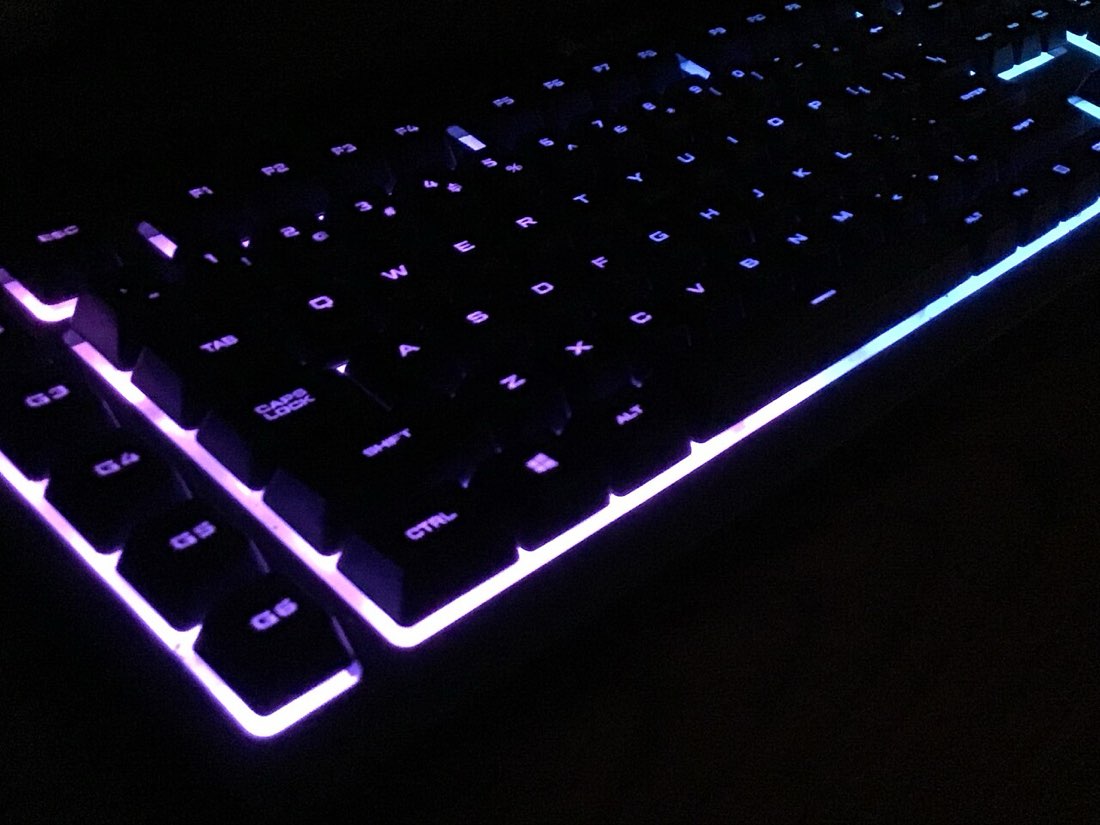
The spacebar counter is the keyboard version of a click test. Instead of clicking a mouse button, you tap the spacebar as many times as you can in a set time. It looks simple, but keyboards differ a lot in how they handle fast repeated presses, and a few technique changes can make a real difference.
What counts as a press
A key press has two parts: the key going down and coming back up. The spacebar counter on MouseTally counts a press only when the key goes down after it has been released. Holding the key does not count, even though your operating system sends repeated key events after a short delay. Without this rule, you could hold the spacebar and watch the count climb without doing anything.
How a valid press is counted
- Key goes down
- Counter adds one
- Key comes up
- Counter waits for the next down
- Auto-repeat events are ignored
Typical speeds
Most people tap the spacebar at 6 to 9 presses per second over ten seconds. Using two thumbs alternately can raise that significantly, in the same way that butterfly clicking raises mouse speed.
How keyboards differ
The spacebar is the largest key, and that creates some quirks. Most spacebars use stabilisers, small wire or plastic mechanisms that keep the key level when pressed at the edge. Stabilisers add a little friction and noise, and some can feel sluggish when tapped rapidly.
| Keyboard type | Feel for fast tapping |
|---|---|
| Laptop scissor-switch | Short travel, quick but shallow |
| Membrane desktop keyboard | Soft, sometimes mushy at speed |
| Mechanical linear switch | Smooth and consistent |
| Mechanical tactile or clicky switch | Clear feedback, slightly heavier |
Mechanical keyboards also have their own debounce, just like mice, which stops one press registering twice. A longer debounce can cap very fast tapping.
Technique tips
- Tap near the middle of the spacebar so the stabilisers work evenly.
- Use the side of the thumb rather than the tip for a lighter touch.
- Keep the wrist relaxed and let the thumb move from the base joint.
- Try alternating two thumbs once your single-thumb rhythm is steady.
Where spacebar speed matters
In some games, jumping or certain actions are bound to the spacebar, and rapid tapping can matter. In most games, though, timing and consistency matter more than raw speed. The counter is also a fun way to compare keyboards: try the same round on a laptop and a desktop keyboard and see which suits you.
Fair spacebar testing
- Same keyboard each time
- Same round length
- Hands warmed up
- Tap, do not hold
- Compare averages over several rounds
Comfort
Rapid thumb tapping loads the base of the thumb, which already works hard during typing and phone use. Keep rounds short and stop if the thumb aches. Try the spacebar counter with short clocks first.
Typing habits and the spacebar
Most people press the spacebar with the same thumb every time when typing, usually the right one. That thumb is often faster on the spacebar counter. Trying the other thumb shows how much of your speed comes from habit. Alternating thumbs during tests mixes both, which is why two-thumb tapping can be so much faster.
Some fast typists use either thumb depending on which hand typed the previous letter. That flexibility can make two-thumb tapping feel natural sooner.
Laptop keyboards
Laptop keyboards have short travel and light springs, so many people tap quickly on them. Their spacebars can be less consistent at the very edges, so tapping near the centre matters even more. External keyboards connected to a laptop add their own feel and debounce, so expect slightly different scores between the built-in keyboard and an external one.