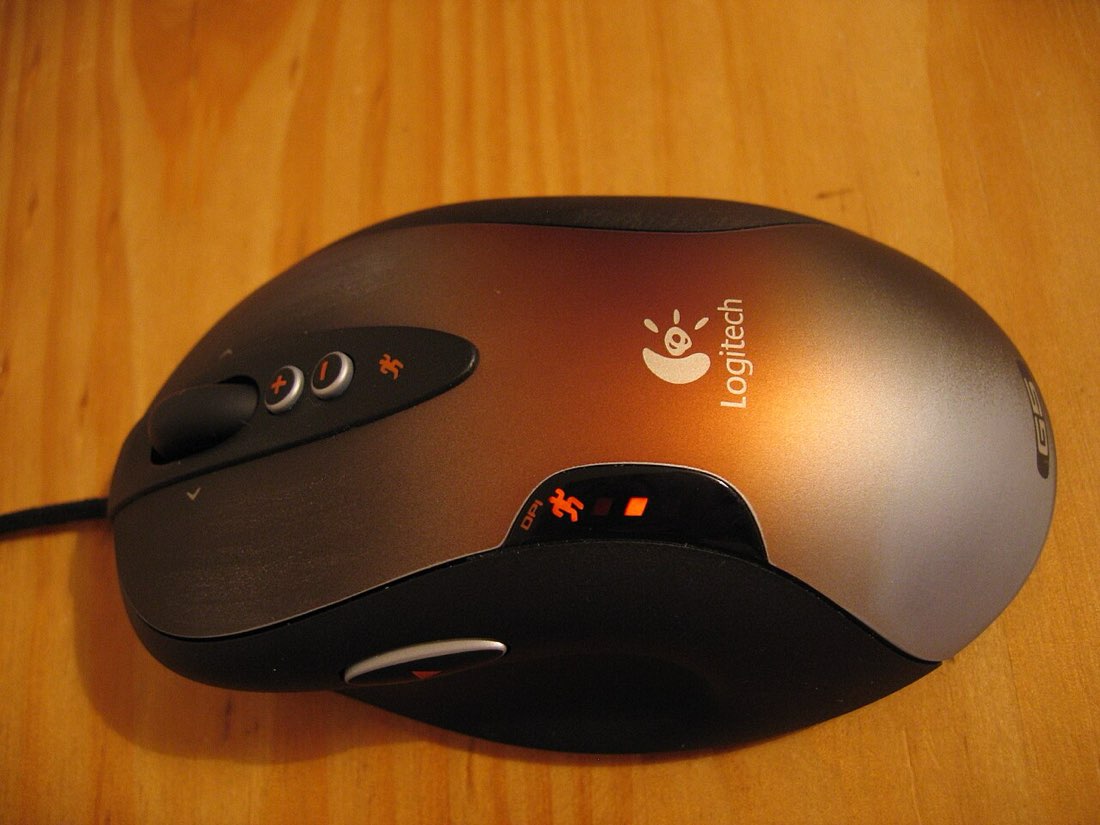
Drag clicking is the technique behind the highest click speeds you will see quoted online, sometimes 25 CPS or more. Instead of pressing the button repeatedly, you drag a fingertip across it. Friction between the skin and the button surface makes the finger catch and release many times during one stroke, and each catch registers as a click.
How a single drag becomes many clicks
When you drag a slightly dry fingertip across a smooth surface, it does not glide evenly. It sticks, slips, sticks again. On a mouse button, each of those stick-slip moments presses and releases the switch. A single drag lasting a fraction of a second can therefore produce ten or more clicks.
Anatomy of a drag click
- Rest a fingertip at the top of the button
- Press lightly
- Drag the finger down the button
- Friction causes rapid catches
- Each catch registers a click
Why only some mice can drag click
Drag clicking depends on two things: a button surface with the right amount of grip, and a switch that responds to very small movements. A matte or slightly textured button helps. Many players also find that the mouse must not have a long debounce delay, or most of the rapid catches will be filtered out.
This is why drag clicking scores vary so much. On one mouse you may get a burst of 30 clicks per stroke; on another, almost nothing. Some players lightly roughen the button surface or use grip tape, which can change how the mouse feels and may affect its warranty.
| Factor | Helps drag clicking | Hinders drag clicking |
|---|---|---|
| Button surface | Matte or lightly textured | Glossy and slippery |
| Finger | Clean and slightly dry | Damp or greasy |
| Switch | Light, responsive | Heavy, with long travel |
| Debounce | Short | Long |
Typical speeds and their limits
Drag clicking produces bursts rather than a steady rate. Over a short round you might see 20 to 30 CPS, but between drags the finger has to return to the top of the button, so the average over longer rounds drops. Results on a one-second clock look spectacular; results over sixty seconds look much more ordinary.
Wear and tear
Drag clicking generates far more switch actuations per minute than ordinary use. Over time that wears the switch and can contribute to chatter, where a single press registers as two. It also wears the button coating. If you rely on a mouse for work, consider practising drag clicking on a separate, inexpensive one.
Skin and comfort
Repeated dragging can make the fingertip sore or even blistered if you practise too long. Keep sessions brief and stop if the skin becomes tender. Drag clicking is less demanding on tendons than jitter clicking, but the fingertip itself takes the load.
Drag clicking in games
Some games and servers cap the number of clicks that register per second, which makes very high drag-clicking rates pointless. Others treat sudden bursts of extreme CPS as suspicious. As with any technique, read the rules of the server you play on. You can experiment safely with the drag click test, which reports your rate without sending anything anywhere.
Before you try drag clicking
- Check whether your mouse surface has grip
- Clean and dry your fingertip
- Practise in short bursts
- Use a spare mouse if you can
- Check game and server rules
Testing whether your mouse can drag click
Before spending time on technique, check whether your mouse responds at all. Use a one-second clock on the drag click test and make a single slow drag down the button. If the count rises by several clicks, the mouse can drag click and practice will help. If the count rises by one or two, the button surface or debounce is likely limiting you, and no amount of technique will change that much.
Try different parts of the button too. Some buttons have more grip near the front edge than near the hinge.
Combining drag clicking with aim
Drag clicking moves the finger along the button, which can push the mouse slightly. Players often brace the mouse firmly with the thumb and ring finger and keep drags short. On the MouseTally dial, clicks that land outside the circle do not count, so it is a good place to practise keeping the pointer steady during drags.