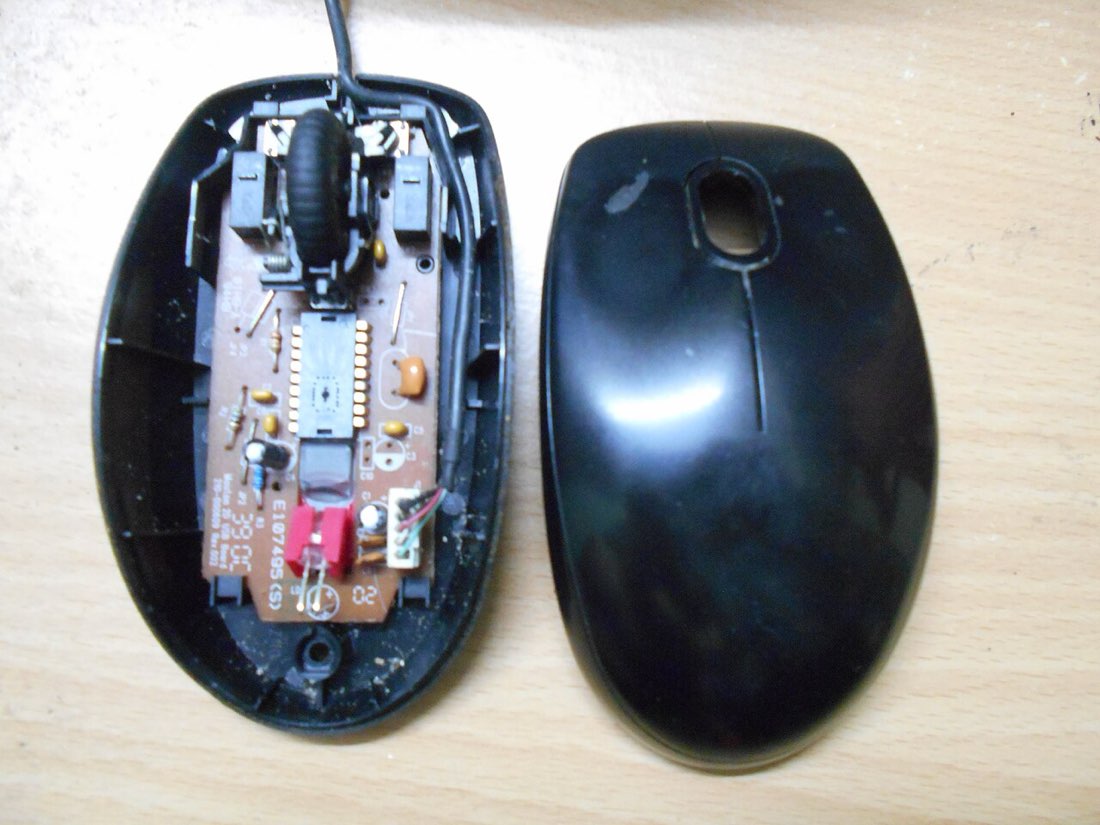
You click once and two things happen: a folder opens instead of being selected, a link opens twice, or a drag lets go halfway. It is a very common fault. The cause is usually a worn switch, but settings and software can produce similar symptoms, so it is worth checking in order.
Step 1: rule out settings
Operating systems let you change how quickly two clicks must follow each other to count as a double click. If this is set very slow, two deliberate single clicks may be read as a double click. On Windows the setting is in the mouse settings; on macOS it is under accessibility pointer settings. Set it to a middle value and test again.
Also check for mouse software that maps a button to a double click or a macro. Reset the mouse software profile to default if you are unsure.
Step 2: test the switch
Open the left click test or the CPS test and make ten slow, deliberate clicks, about one per second. The count should be exactly ten. Repeat a few times. If the count sometimes jumps to eleven or twelve, the switch is registering extra clicks.
Then try holding the button down for a few seconds and slowly releasing it. A worn switch may flicker, registering releases and presses while you hold it steady.
Diagnosing double clicks
- Check the double-click speed setting
- Reset mouse software to default
- Make ten slow clicks and count
- Hold the button and watch for flicker
- Try the mouse on another computer
Step 3: try another computer or port
Plug the mouse into another USB port, and if possible another computer. If the problem follows the mouse, the mouse is the cause. If it disappears, look at drivers, software or the original computer.
Why switches start double clicking
Mechanical switches have metal contacts that bounce slightly when they close. Mice ignore those bounces with a short debounce window. As the contacts wear or oxidise, the bounce can last longer than the debounce window, and the mouse reports two clicks. Heavy use, especially fast clicking techniques, speeds this up. Our guide to debounce explains the mechanism.
| Symptom | Likely cause |
|---|---|
| Extra clicks during slow clicking | Worn or dirty switch |
| Drags drop while holding | Worn switch |
| Problem only on one computer | Settings, driver or software |
| Problem started after changing a setting | Debounce set too low or double-click speed |
What you can do
- Raise debounce if your mouse software offers it. This often hides early switch wear.
- Clean around the button with compressed air. See cleaning a mouse safely.
- Use the warranty. Double clicking is a common warranty claim, and many manufacturers replace affected mice.
- Replace the switch. On many mice the switch can be replaced, though this involves soldering and usually ends the warranty.
- Choose optical switches next time, which avoid contact bounce.
Before contacting support
- Note the mouse model and purchase date
- Record a click test showing extra clicks
- Confirm the issue on another computer
- Reset software settings
- Keep your receipt
Recording the fault for a warranty claim
Manufacturers and sellers usually ask for evidence. A short screen recording of the left click test, showing ten slow clicks producing eleven or twelve counts, is clear and quick to make. Mention the date you first noticed the problem, the computers you tested on and the steps you tried. Keeping the mouse's original packaging and receipt makes the process smoother.
If the mouse is out of warranty, the cost of a replacement switch is low, but the work involves opening the mouse and soldering. Repair shops and hobbyist communities can help if you do not want to do it yourself.
Preventing it next time
Switch wear cannot be avoided entirely, but it can be slowed. Avoid using a work mouse for heavy click-speed practice, keep food and drink away from the mouse, and store it somewhere dry. If you play click-heavy games often, a mouse with optical switches avoids the contact wear that causes most double-click faults.
Common questions
Can software fix double clicking?
Some tools filter extra clicks, and raising debounce helps temporarily, but if the switch is worn the problem usually returns.
Does fast clicking cause this?
High-volume clicking accelerates switch wear. It does not guarantee a fault, but practice mice wear out sooner.